Android app

VHS-88
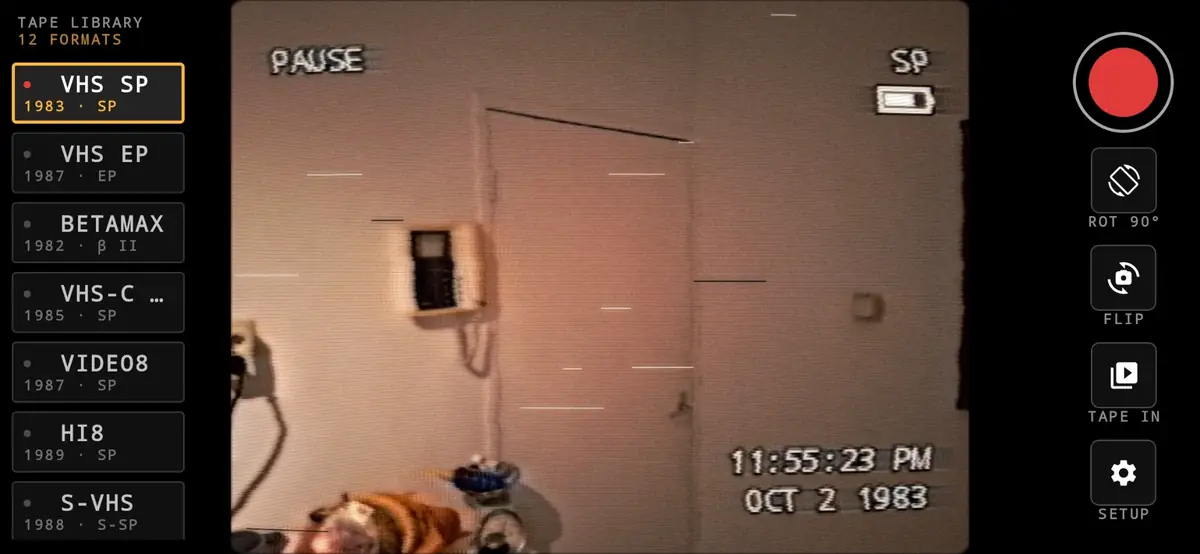
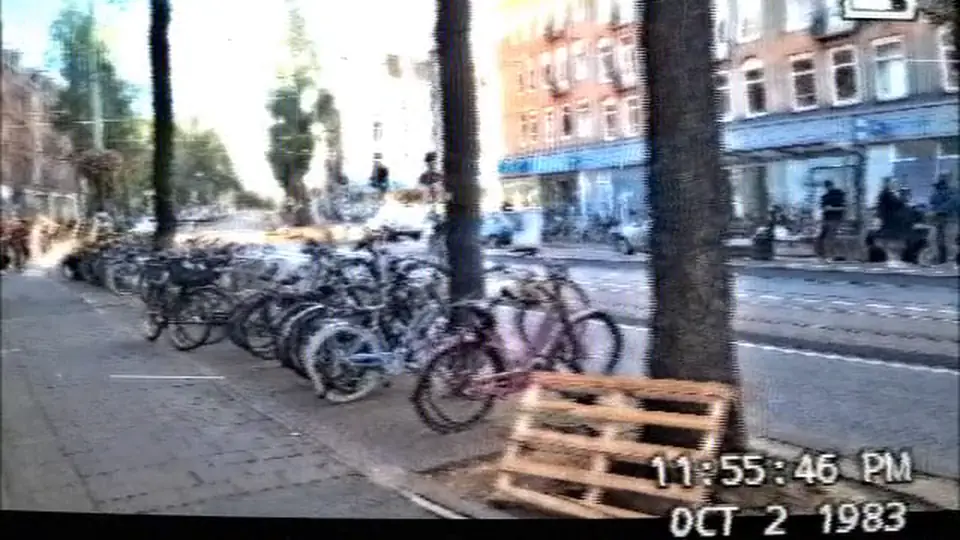
A camcorder that films through a 1980s video chain. Twelve tape formats, each modelled as a signal path rather than a colour grade with noise dropped on top, and sound that goes through the same machine as the picture.
Free to try for 7 days · then pay once to unlock · Android 8.0 or newer · no ads, no accounts
What it does
Record through the filter
See the tape look live in the viewfinder and record it with sound, straight to your phone.
Dub your existing videos
Pick a clip from your gallery and run it through the same chain, as if you had copied it onto tape.
Twelve tape formats
From a clean Hi8 to a tape that has been through 400 rentals: VHS SP and EP, Betamax, Video8, S-VHS, U-matic, security cameras and more.
Period-correct sound
The microphone is band-limited, saturated, hissed and wobbled to match the machine. A linear VHS track sounds nothing like Hi-Fi.
Your own on-screen text
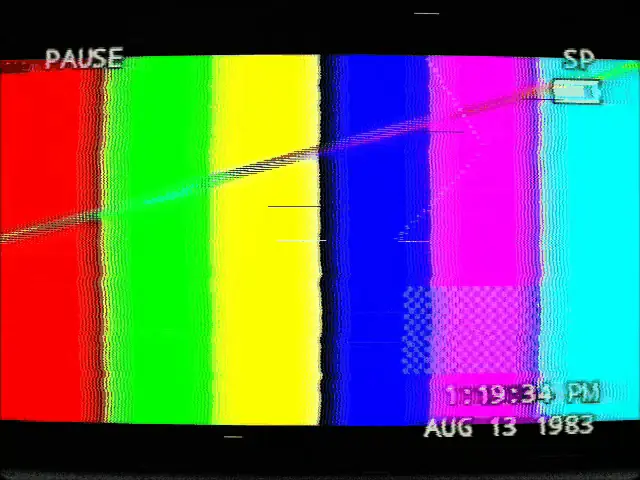
Change the tape speed (SP, SSP, EP), REC, PAUSE, PLAY, the date and the time. Leave a field blank and the camcorder prints its own.
Burned in, like the real thing
The date stamp sits before the recording head, so it smears and jitters with everything downstream.
Free for 7 days, then pay once
Download VHS-88 for free and use everything for 7 days: all 12 tapes, no watermark. After that you can keep filming with VHS SP for free, with a small "VHS-88 · FREE" mark on your recordings, or unlock the full app.
- One-time purchase through Google Play. No subscription, no ads.
- Removes the watermark from your recordings and dubs.
- Unlocks all 12 tape formats.
- Restores automatically on a new phone with the same Google account.
Your videos stay on your phone
VHS-88 does not ask for internet access, so it cannot send anything anywhere. Everything is processed on the device.
- No accounts, no ads, no analytics, no tracking.
- The camera is used only while the app is open; the microphone only while you record.
- Finished videos are saved to
Movies/VHS-88on your phone. - Tape In only sees the clips you pick in Android's photo picker.
Support
If something looks wrong — the picture turned sideways, a clip that will not dub — email support@impossible-labs.io. The Setup menu can save a debug report with your phone and camera details; attaching it usually lets us fix the problem without back-and-forth.