// Android app //

VHS-88 Pro
The twin of VHS-88, with the whole camcorder open to be rebuilt. Choose the lens, drive a motorised zoom, pick how the sound was laid down, and build your own tape layer by layer on the live picture. Then post it in the shape you need.
Android 8.0 or newer · no ads, no accounts · no internet permission
What Pro adds
Build your own tape
Every layer of the chain, from the glass to the television, on sliders over the live picture, in real units where the effect has one. Save your tapes, and share them as files.
Period lenses
Twelve lenses from a palmcorder zoom to a CCTV pinhole, plus star and mist filters. Put any glass on any tape.
A period power zoom
Hold W or T, or use the volume keys, and a motor takes its time. A fixed lens does not zoom at all.
Sound that follows the tape
Seventeen sound options. A linear track's top end comes from its tape speed, so slower tape sounds duller for the same reason it did then.
Frames for posting
4:3, 16:9, 1:1, 4:5, 3:4 and 9:16, at 480 or 1080. When a take is saved, one button opens the share sheet.
Turn the phone
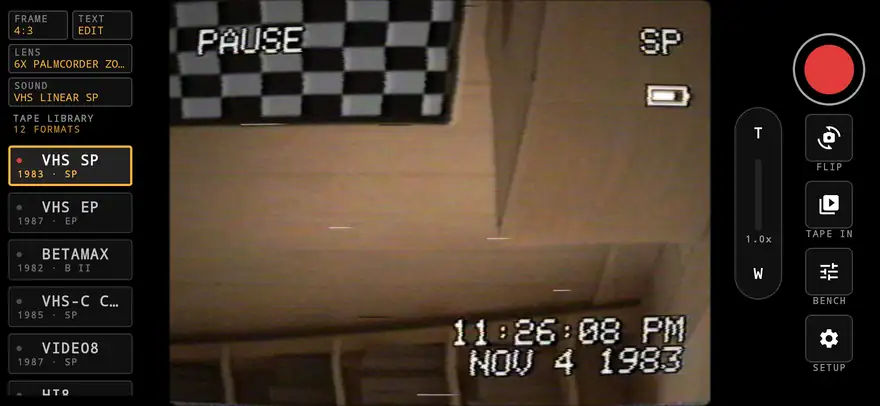
Held sideways, the tapes run down a rail. Upright, they roll out under the camera. Each way of holding it remembers its own frame.
Canvas text
Type anything and drag it into place, in a 5x7 character generator font or a mono one. It goes on ahead of the tape, so it smears with the picture.
All twelve tapes
Every format from VHS-88, from a clean Hi8 to a tape that has been through 400 rentals, restated in engineering units wherever they have one.
The same street through different glass
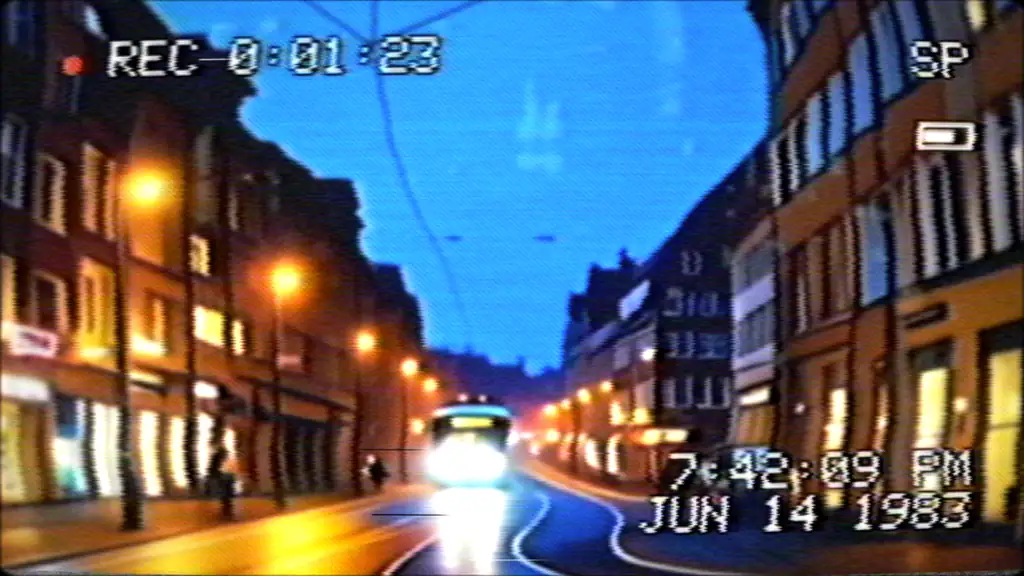
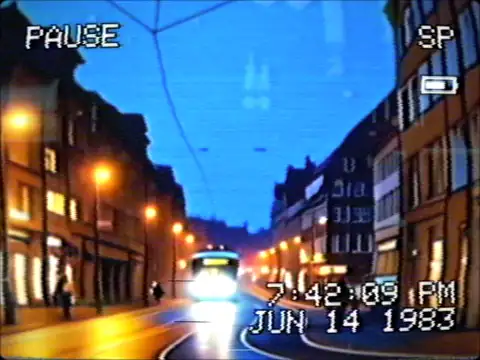
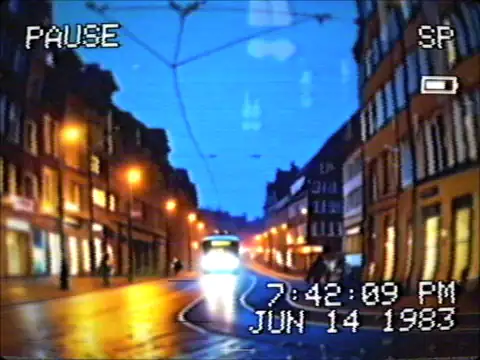
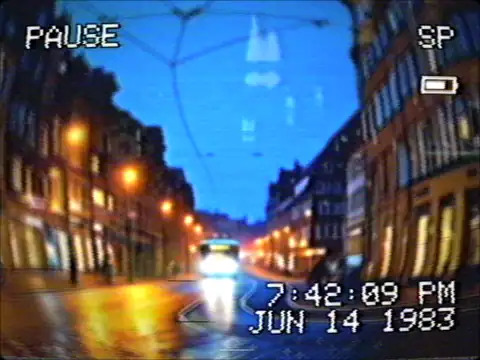
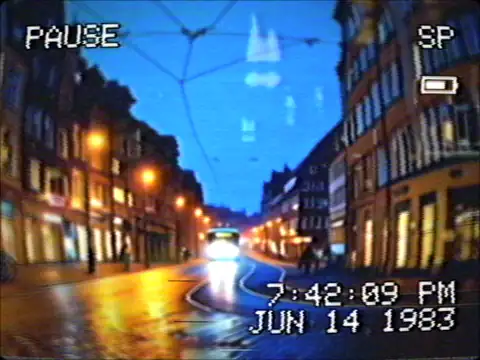
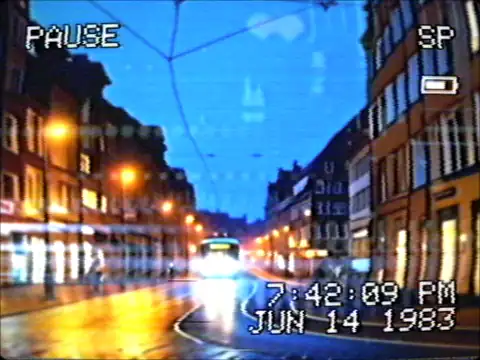
The street is the AI-generated test scene from the top of this page, not camera footage. Each lens carries its own distortion, colour fringing, corner softness, falloff and flare, and a field of view as far as the phone allows: the widest lenses use the phone's widest lens, and no wider. All of these are on VHS SP. A phone camera holds highlights back, so real lights give less flare and fewer spokes than they would have on a CCD of the time.
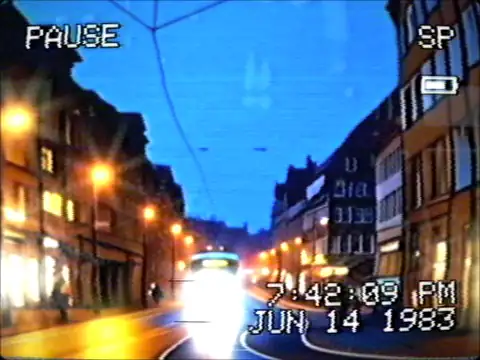
The power zoom
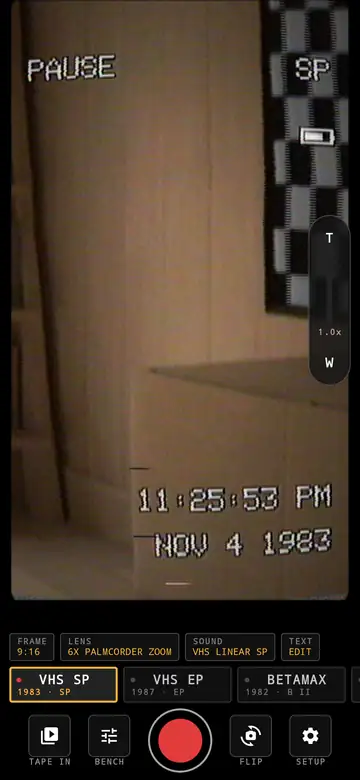
- A motor on a rocker. The 6x palmcorder zoom here takes 7 seconds end to end and coasts a little when you let go.
- The phone's camera parks at the lens's wide end, and the motor's travel is a crop from there, because a phone's own zoom can jump between its lenses and this one must not. So the picture gets softer toward tele, most of all on the 14x ENG.
- Focal length moves geometrically along the travel, so the picture appears to zoom at a constant rate.
- The lens turns from barrel to pincushion and darkens toward the tele end, then the autofocus hunts when it stops.
- On the camcorder-style tapes a W-T bar appears on screen while it moves, and you can add it to any other tape on the bench. The camcorder mic picks up the motor.
- Fixed lenses like the CCTV have no zoom at all, as in life. The fisheye attachment is fixed here too, which is our choice.
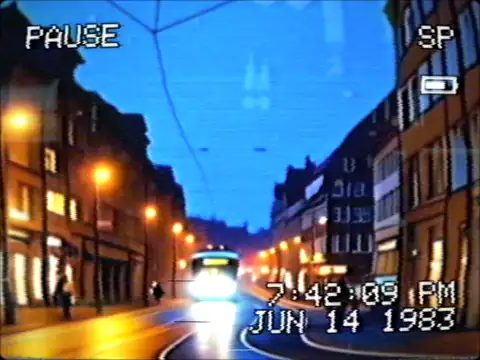
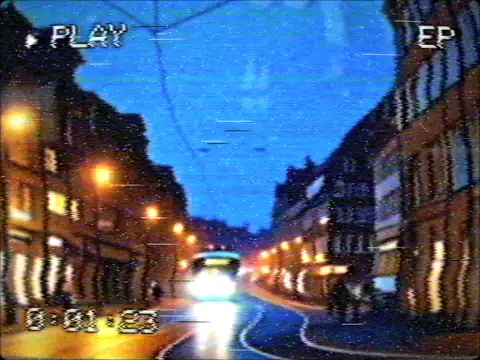
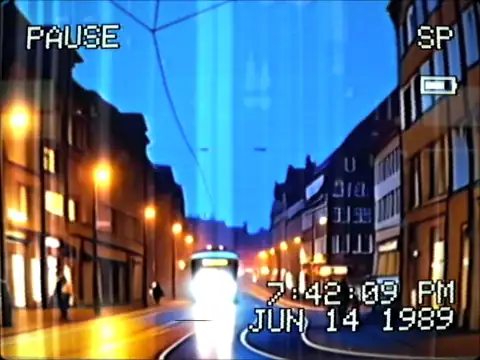
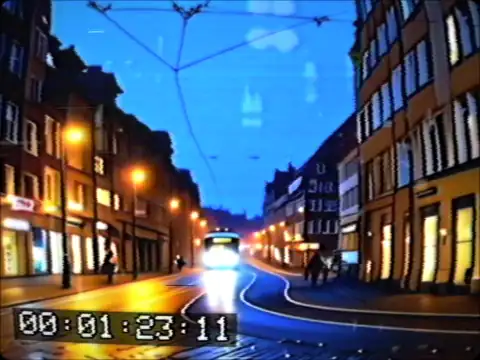
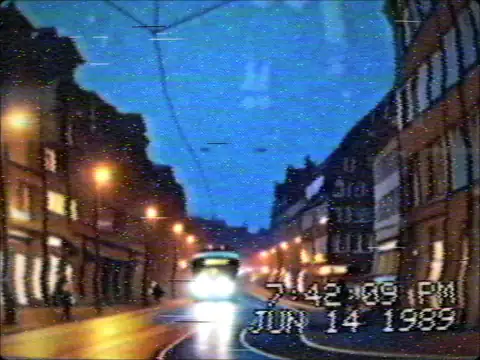
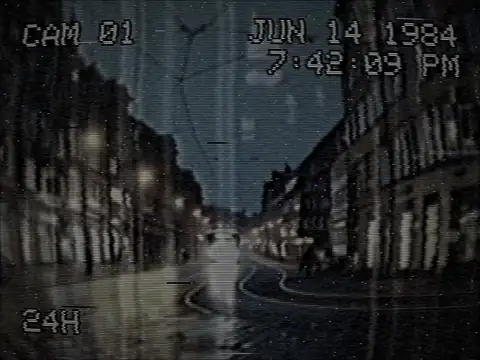
The same street on different tape
The same AI-generated test scene. Dot crawl and rainbows are not painted on. On composite formats the picture is modulated onto a 3.58 MHz subcarrier and decoded again, and those are what the separation leaves behind. Hi8 runs over S-video, so it has none.
Sound, laid down the way it was
Any sound on any tape, and a test programme on the bench so you can compare them.
| Track | What it is |
|---|---|
| VHS linear SP, LP, EP | Edge track at 33.35, 16.68 and 11.12 mm/s, mono |
| Beta II linear | Edge track at 20 mm/s, mono |
| VHS Hi-Fi, Beta Hi-Fi | FM sound written by the video heads, stereo, with a floor that breathes |
| Video8 AFM | FM at 1.5 MHz, mono |
| 8 mm PCM | 31.5 kHz, 8 bit companded, stereo |
| U-matic linear | Edge track at 95.25 mm/s, mono |
| Camcorder mic | On-board mic with drive noise, zoom whine and auto level pumping |
| ENG field audio | Shotgun mic into a shoulder deck |
| Worn rental, 3rd generation | What wear and copying do to an SP track |
| Through a TV speaker | A 4 inch cone and the set's whine at 15.734 kHz |
| Security intercom | Telephone band at real-time speed |
| Compact cassette | 47.625 mm/s with Dolby B, stereo |
| Off | The microphone as it is |
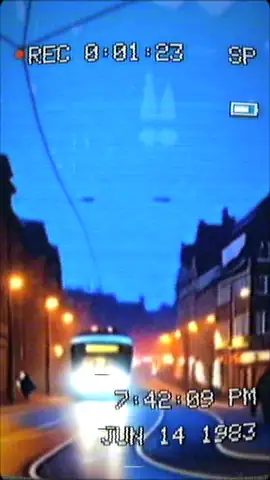
One tape, every shape
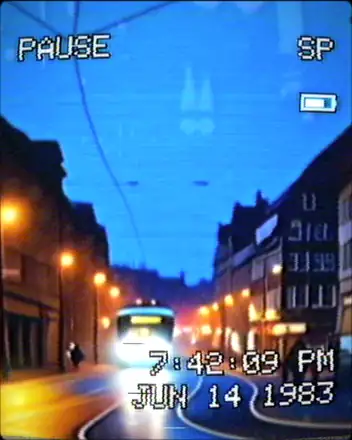
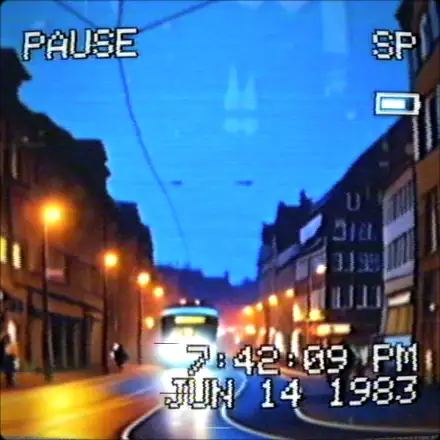
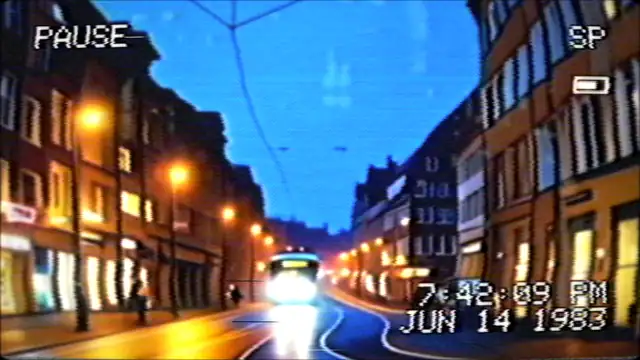
The same AI-generated test scene again. Every shape is the same 480 line signal, shown through a different pixel shape, so a 3 MHz tape stays a 3 MHz tape. Nobody shot 9:16 on tape in 1985, so this is our interpretation, not a reproduction: a real camcorder turned on its side would have run its lines vertically. A tall frame has thicker lines.
What we measured, and what we did not
Signal parameters use engineering units such as MHz, ns, dB and mm/s, matching the format's published figure where there is one. Effects with no natural measure use a plain strength value. We test them by putting a known signal through the real code and reading the result, on the GPU of a real phone for the picture.
| Test | Set to | Measured |
|---|---|---|
| VHS luma at 3 MHz | -10 dB | -10.0 dB |
| Chroma at 400 kHz | -3 dB | -3.0 dB |
| Y/C delay | 250 ns | 248 ns |
| Luma signal to noise | 40 dB | 40.2 dB |
| Line jitter | 150 ns | 151 ns |
| Tube lag after 3 fields | 20% | 20.0% |
| Dot phase, next line | inverted | -0.94 correlation |
| Dot phase, 4 fields later | back in phase | +1.00 correlation |
| Test | Set to | Measured |
|---|---|---|
| Linear SP signal to noise | 42 dB | 42.1 dB |
| Hi-Fi signal to noise | 80 dB | 80.0 dB |
| Linear SP wow and flutter | 0.233% | 0.231% |
| Linear SP top end, 3 dB down | about 10 kHz | 10.9 kHz |
| EP against SP, 6 dB down | a third, from tape speed alone | 5.7 and 16.4 kHz |
These numbers show the app hits the targets it was given. They do not show that it matches a real deck: we have not compared it side by side with captures from real machines. Format figures like carrier frequencies and tape speeds come from published sources. Other values are our own judgement, including where "240 lines" falls on a response curve, video noise levels, wear, lens aberrations and zoom travel times.
Your videos stay on your phone until you share them
VHS-88 Pro does not ask for internet access, so it cannot send anything to us. Everything is processed on the device.
- No accounts, no ads, no analytics, no tracking.
- The camera is used only while the app is open; the microphone only while you record.
- Finished videos are saved to
Movies/VHS-88 Proon your phone. The app only passes them on if you share them, though a cloud gallery app you use may back up that folder. - Tape In only sees the clip you pick.
Support
If something looks wrong, such as a picture turned sideways or a clip that will not dub, email support@impossible-labs.io. The app asks once whether the picture is right for each camera and each way of holding the phone, and the Setup menu can save a debug report with your phone's camera details for you to send us.